
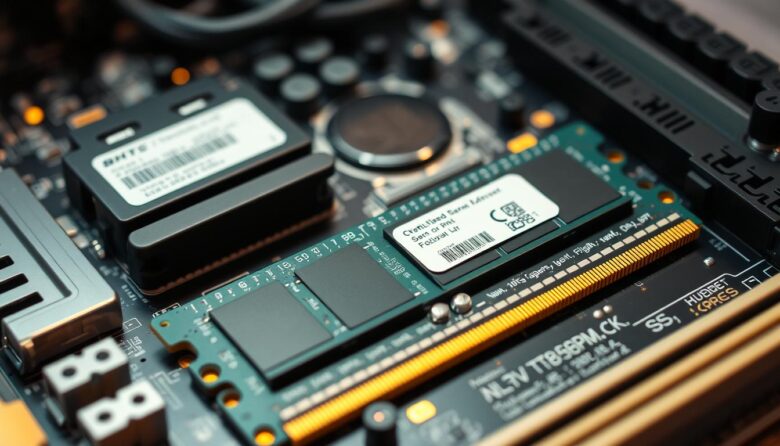
I often tinker with my PC to squeeze more life from old hardware. When I consider upgrading ram, I focus on compatibility first. A wrong match can cause boot failures or erratic behavior. DDR4 runs at 1.2V while DDR5 typically needs 1.1V, and modern motherboards use 288-pin slots for both types. That electrical and physical …
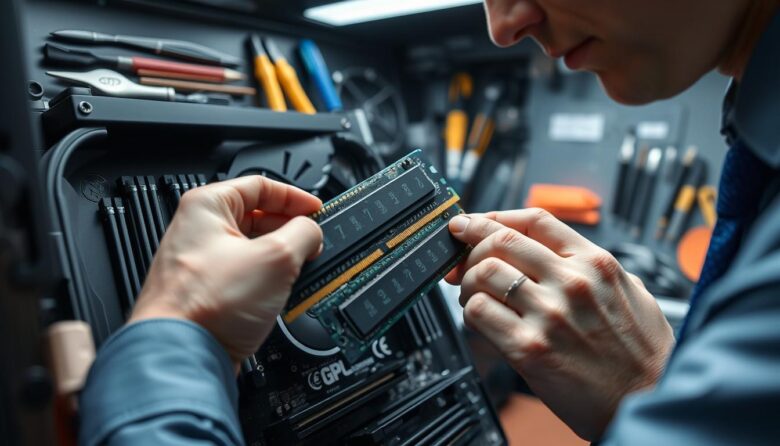
I want to make this simple and practical. Performing a proper RAM compatibility check is essential to keep your computer running well for many years. I walk readers through a few quick steps that save time and frustration. I always recommend confirming your processor supports the memory speed and capacity you plan to install. The …
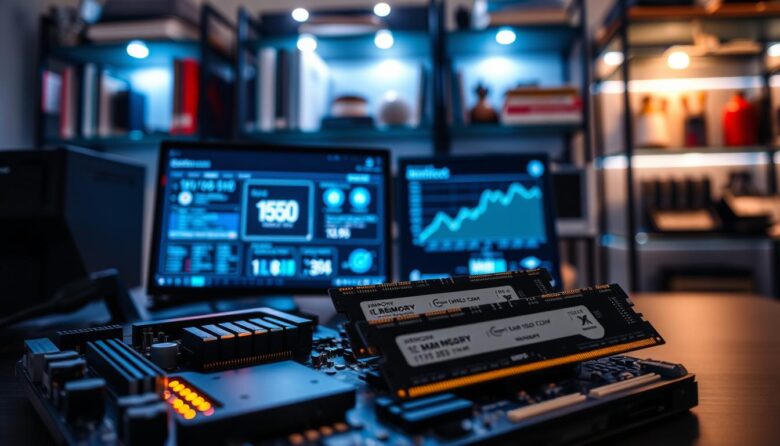
I want to make upgrading your computer simple and clear. I’ll show you how to check the maximum supported RAM for your machine without hunting online for the model number. You’ll learn quick steps in Windows to view memory specs, check how many slots your motherboard has, and see the total capacity your hardware can …
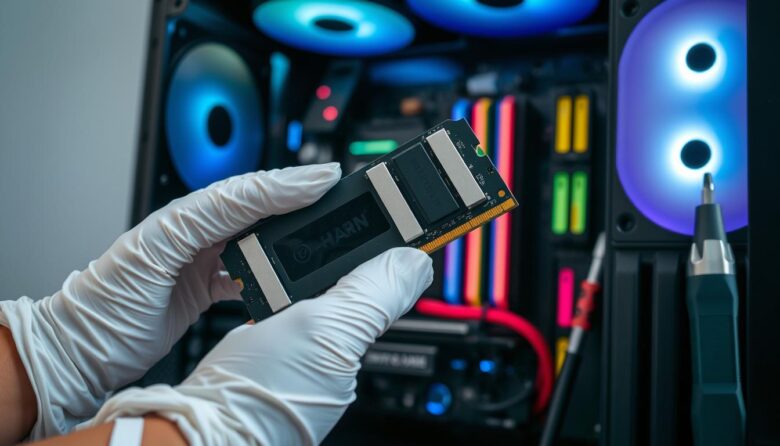
I created this guide to help you boost your computer’s performance without stress. I write in plain language so anyone can follow each step, even with little hands‑on experience. When you decide to upgrade, you give your system more breathing room to run apps and handle tasks. That means fewer slowdowns and smoother multitasking. I …

I often tweak my system to keep my favorite programs running smoothly. When I play Minecraft with heavy mods, the default settings can feel tight. Mojang’s base game usually runs fine with 2 GB, but mods push demands. I will show you how I press the right buttons and edit the default launcher so your …