
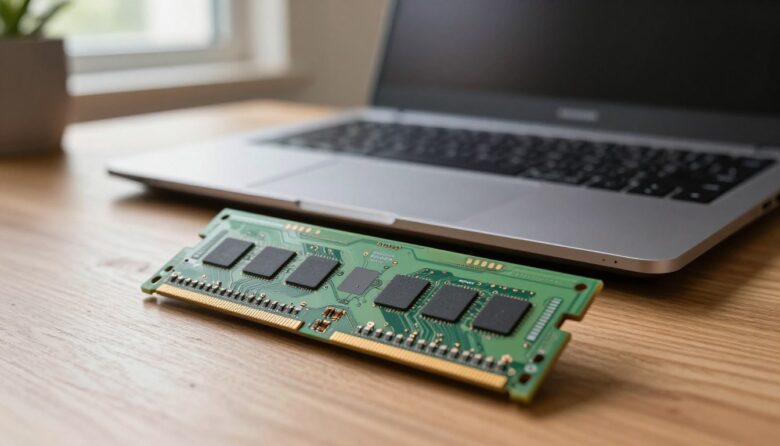
I wrote this short guide because I wanted a clear, practical way to breathe new life into older machines. Many business and gaming systems let you add more memory, while premium devices sometimes have components soldered in place. Adding more memory is a cost-effective step that often improves everyday responsiveness and multitasking. I will show …
Choosing between DDR4 and DDR5 can feel confusing. This guide helps U.S. builders, upgraders, gamers, and creators decide which computer memory makes the most sense for their needs. We focus on practical factors: real-world performance, cost-per-GB, compatibility with motherboards and CPUs, power and thermal behavior, and the likely upgrade path for desktops and laptops. DDR5 …
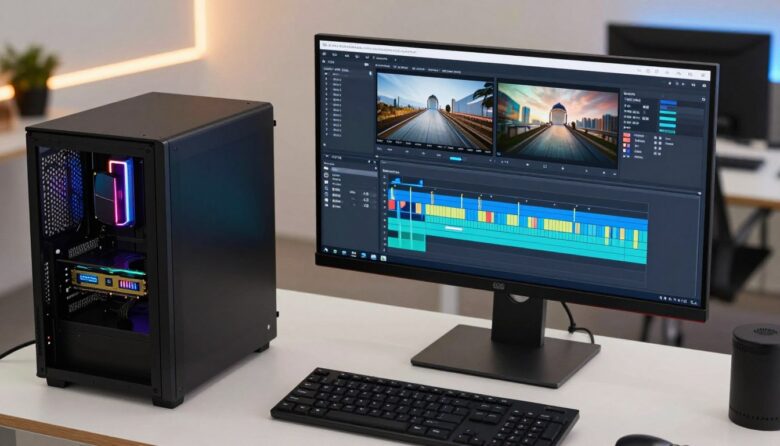
As one of over 32,000 video editors in the United States, I get asked the same question a lot: how much memory does a serious workstation need to keep projects smooth and fast? I’ve learned that beginners can start with 8 GB, while creators working at 1080p do well with 16 GB. For most pro …
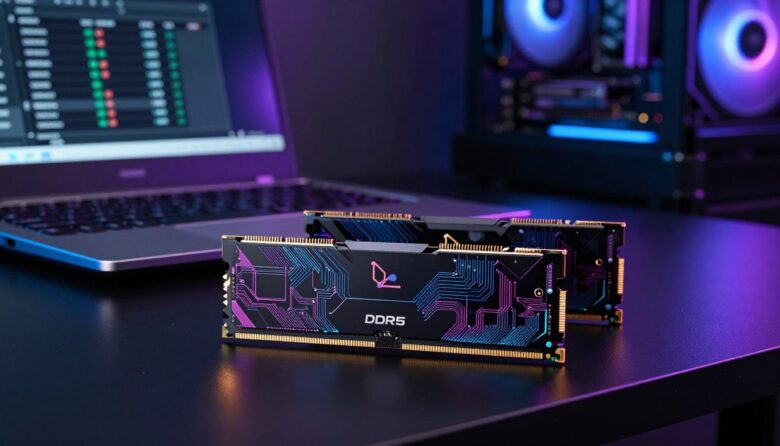
Building a fast desktop for modern gaming means choosing the right memory kit. High-performance setups must handle complex video rendering and heavy multitasking without lag. That makes module choice crucial for both frame rates and stream stability. Consider budget and speed together. For example, model KVR32S22S8/8 is priced at $118.99 while AA160D3SL/8G lists for $61.59. …
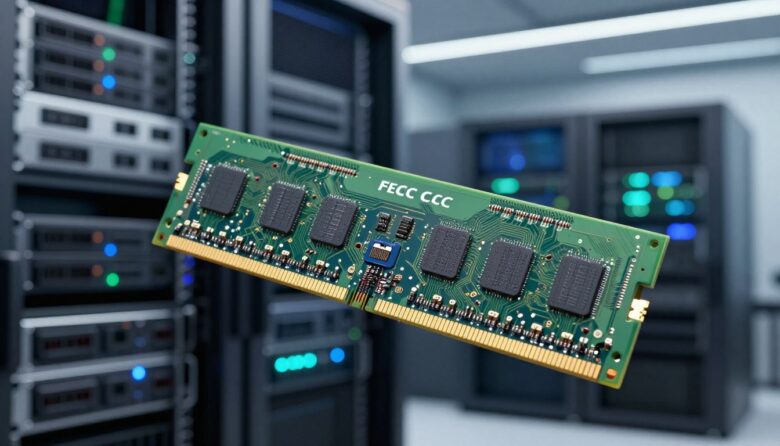
I write this guide to help IT pros and data center managers choose the best ECC solutions for modern systems. In 1970, the Intel 1103 changed how we store data, and later SDRAM milestones like Samsung’s 1992 KM48SL2000 set the stage for today’s high-speed modules. Adding extra memory is one of the simplest, most cost-effective …